If you previously worked at LabCorp and now need access to your employment details, you might be wondering whether you can recover your old LabCorp Employee ID. Many former employees need their ID for tax forms, employment verification, background checks, or retrieving past HR documents. The good news is that yes, former LabCorp employees can recover their Employee ID, but the process is slightly different from active employees.
Page Contents
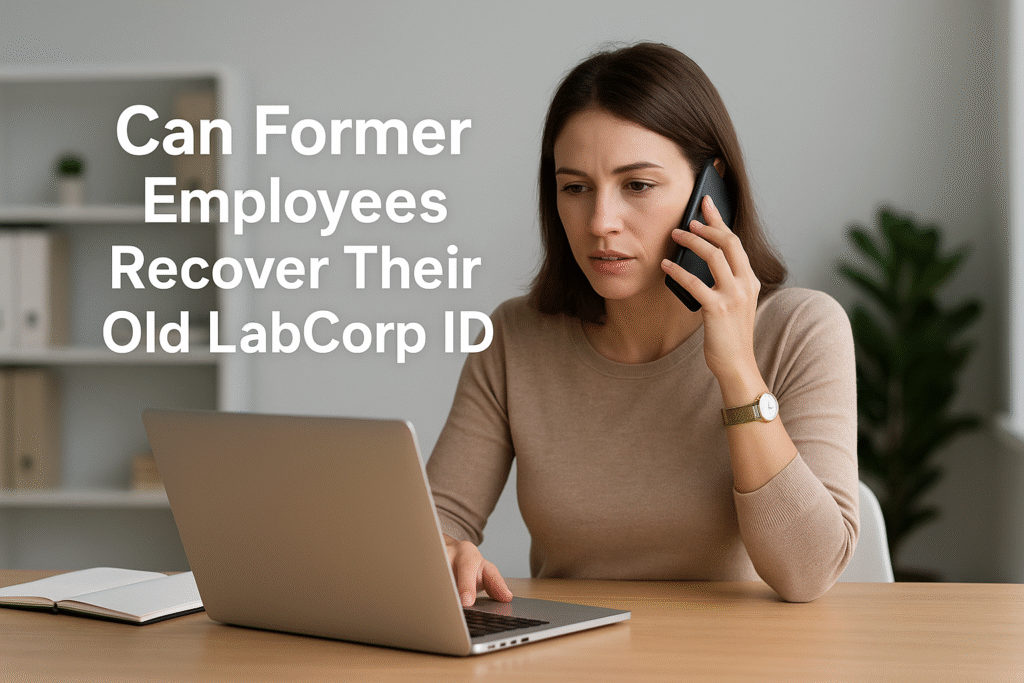
Can Former Employees Recover Their Old LabCorp ID?
Yes.
Former LabCorp employees can recover their old Employee ID, but they cannot retrieve it through the MyLabCorp portal because access to the portal is disabled after separation. Instead, ex-employees must use HR support channels to request their ID.
Your Employee ID does not change after you leave the company. LabCorp stores your employee record permanently in their HR system, which makes recovery possible at any time.
How Former Employees Can Recover Their Old LabCorp ID
Since the online employee portal (MyLabCorp) is no longer available to ex-employees, you need to use the offline verification method. Here are the official ways:
1. Contact LabCorp HR Central Support
The most reliable way is to contact HR Central. They can look up your Employee ID in the HR database after verifying your personal details.
You may be asked for:
- Full legal name (as it was during employment)
- Date of birth
- Employment location
- Last known department or manager
- Estimated start and end date
- Phone number or email used during employment
Once verified, HR will share your Employee ID securely, usually via email.
2. Contact Your Former Manager or Supervisor
If you left recently, your former supervisor may still have access to your profile through internal HR tools. They can easily check your Employee ID and provide it to you.
This method works best if:
- You left within the last 6–12 months
- You are still in contact with your team or manager
3. Reach Out to the LabCorp Payroll Department
If you need your Employee ID for tax documents (like W-2), payroll teams can also confirm your identity and share your ID.
Payroll typically asks for:
- Last four digits of your SSN
- Your date of birth
- Last employment year
They will locate your record and provide your Employee ID or the document you need.
Why Former Employees Cannot Use the MyLabCorp Portal
When employment ends:
- Your MyLabCorp login is disabled
- HR systems shift your profile to “former employee” status
- You lose access to internal tools like paystubs, schedules, and HR Central
Because of this, the online recovery options no longer work.
Only HR or payroll can retrieve your ID.
Why Former Employees May Need Their LabCorp Employee ID
Recovering your old Employee ID may be necessary for several reasons:
- Accessing W-2 tax forms
- Verification for a new employer
- Applying for unemployment benefits
- Completing background checks
- Retrieving old pay or employment documents
LabCorp keeps records of all employees, including past ones, so they can help with these requests.
How Long Does LabCorp Keep Employee Records?
Large companies like LabCorp maintain employment records for many years for legal, payroll, and tax compliance.
Your Employee ID remains attached to your record permanently, so it can be retrieved at any point, even years after leaving.
Conclusion
Former LabCorp employees can recover their old Employee ID, but not through the employee portal. The fastest and most reliable methods are contacting:
- LabCorp HR Central
- Your former manager or supervisor
- LabCorp Payroll Department
As long as you can verify your identity, HR will be able to locate and share your Employee ID.